
Overview
Sellers can now issue a refund to the buyer directly on a completed order. Previously, once an order was completed, buyers could no longer report an issue — so even when a seller was willing to refund, the case had to be escalated to G2G. This new feature lets sellers handle it themselves, simplifying the process and improving the experience for both parties.
How to Issue a Refund
- Go to the completed order you wish to refund.
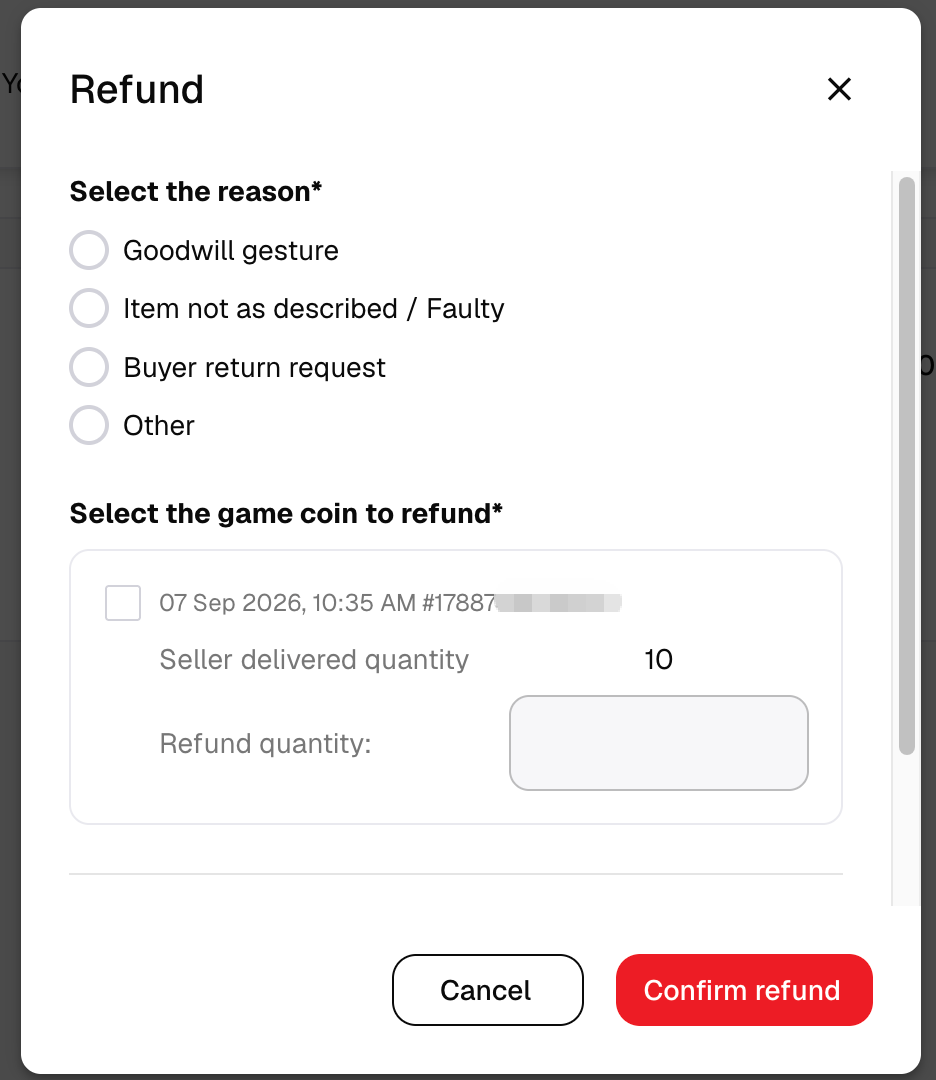
- Click the Refund button on the order.
- Select a refund reason and submit.

Important Notes
- Sufficient Seller Credit required: You must have a Seller Credit balance greater than or equal to the order amount to process the refund.
- Not supported for: Boosting, GamePal, and Coaching orders.
- Refund destination: The available refund options (original payment method and/or Store Credit) are determined automatically by system rules, based on the buyer's payment method and region. Please select from the options shown. If only one option is available, that is the only refund destination for that order and cannot be changed.